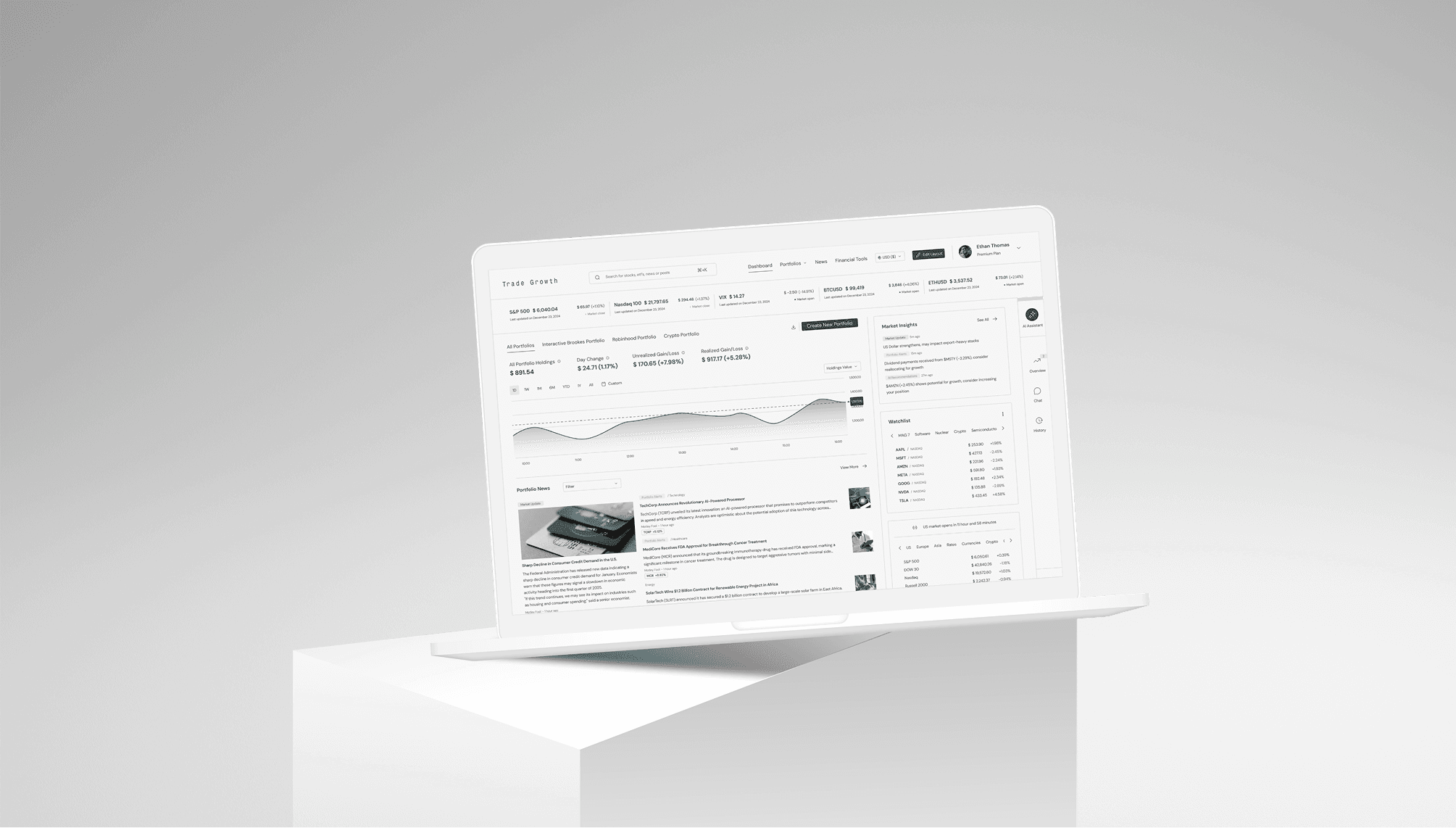
Designing a self-service newsletter system that transformed 8 hours of manual work into a 5-minute automated workflow
** To protect the privacy of the community members and their children, all newsletter text was replaced with AI-generated content, and all images were replaced with stock or AI-generated visuals

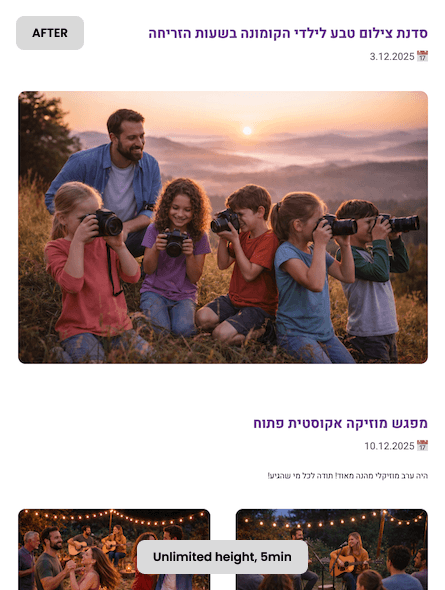
2-8hrs → 5min

Zero design skills needed

Monthly newsletter

100% free
01 - The Challenge
Three Perspectives, One Impossible Triangle
Segula, a small Israeli community, needed a monthly newsletter to centralize information about youth activities, senior programs, committee updates, and community events. But the existing workflow was broken.
Coordinator's Pain
No design skills, needed simple workflow
Hours spent collecting content monthly
Dependent on designer availability
Last-minute changes = days of delays
Designer's Pain (Me)
2-8 hours/month on repetitive layouts
Async work with coordinator = slow feedback
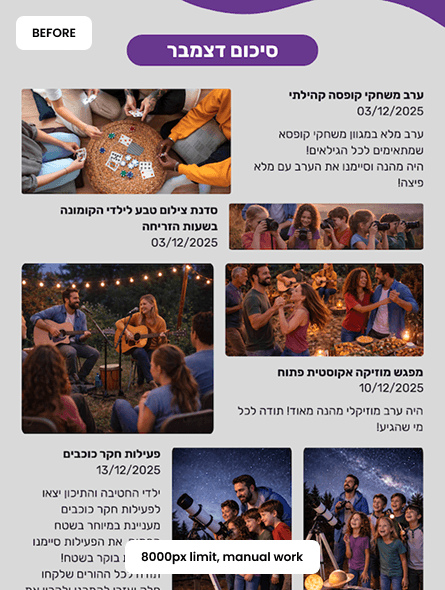
Canva hit 8000px height limit
Couldn't add sections without breaking system
Community's Pain
Info scattered across WhatsApp groups
No single source of truth
Missed event opportunities
No consistent reference format
The Breaking Point -
Canva's technical limitation (8000px max) + coordinator's refusal to learn complex design tools = need for a completely different approach
02 - Research & Discovery
Understanding the Real Requirements
- User Interview Findings
Visual preference: Colorful, friendly, not institutional

- Content Analysis
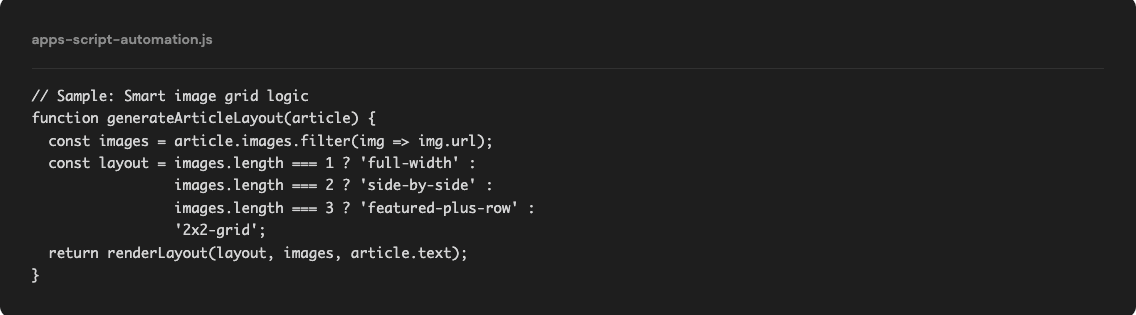
Repeating structure, 6 sections every month
Repeating variable content
Edge cases: Multiple time slots, missing images, last-minute additions
- Technical Constraints
Must export as single scrolling PDF (WhatsApp sharing)
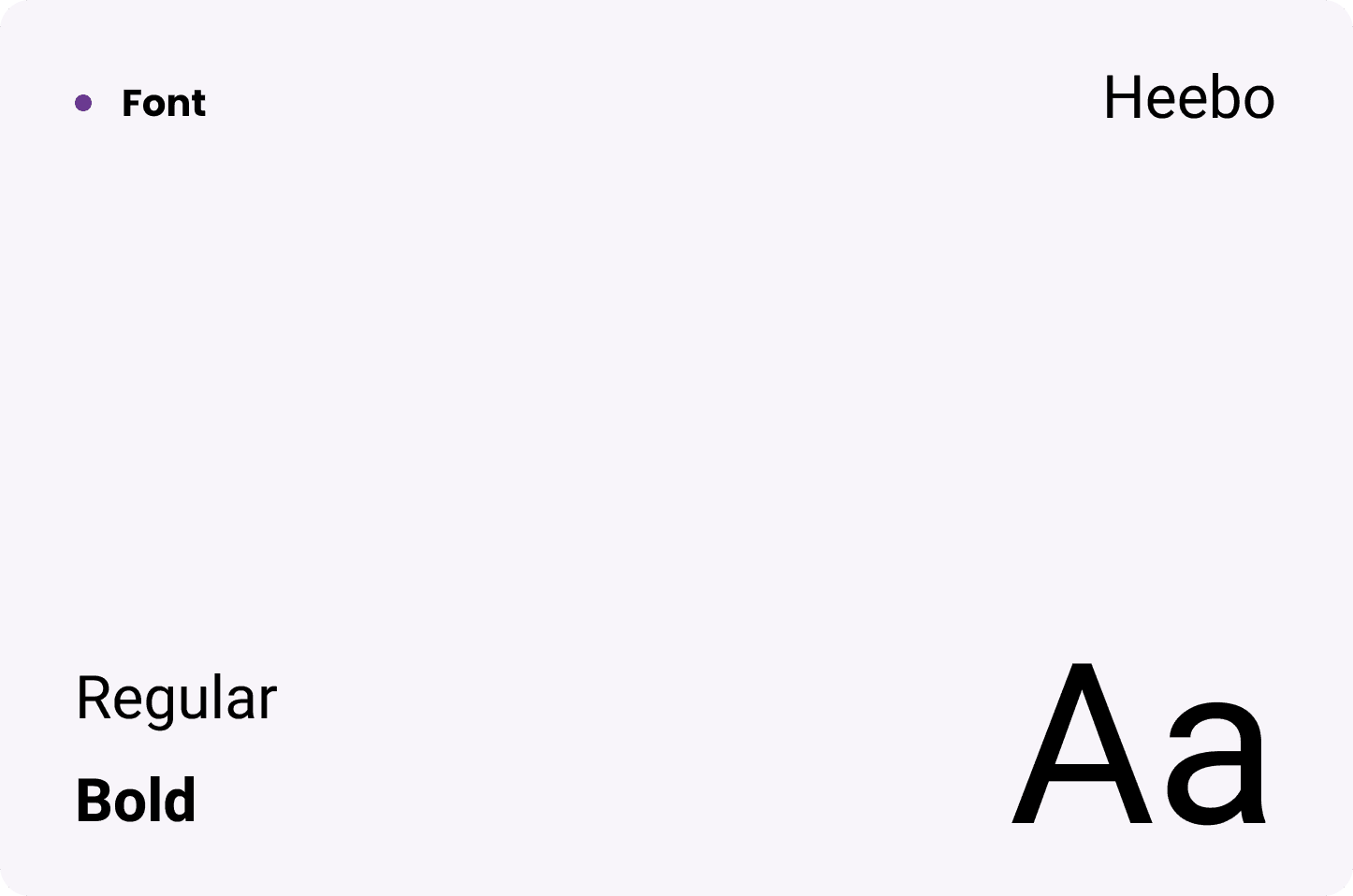
Must handle Hebrew RTL properly
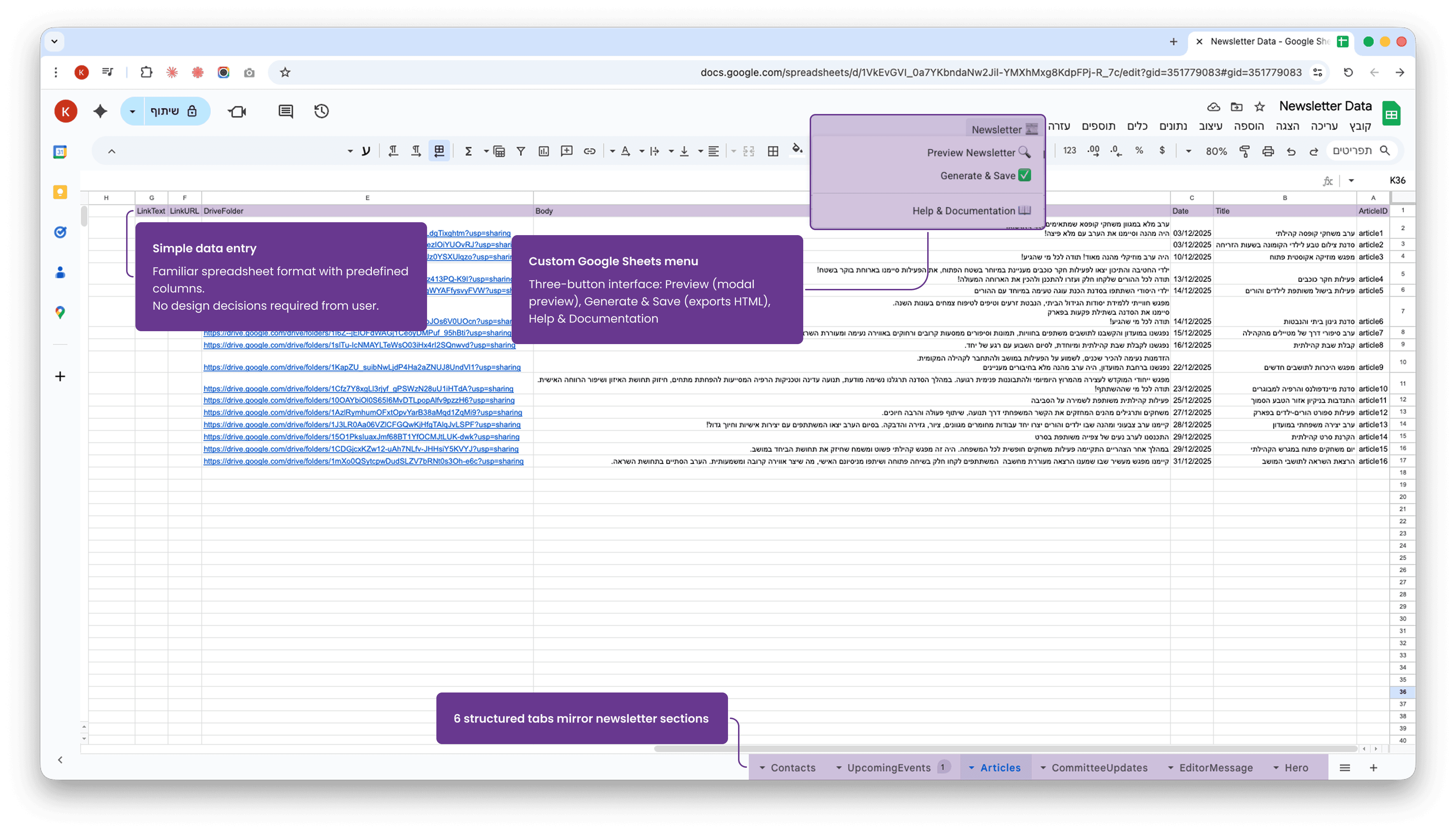
Must work with existing workflow (Google Sheets)
Must be maintenance-free
Decision -
Build custom automation using Google Sheets + Apps Script, with all design decisions baked into the code
03 - Design Process
From Visual Direction to Component System
- Design Principles
Breathable
Generous spacing
White space priority
Clean hierarchy
Friendly
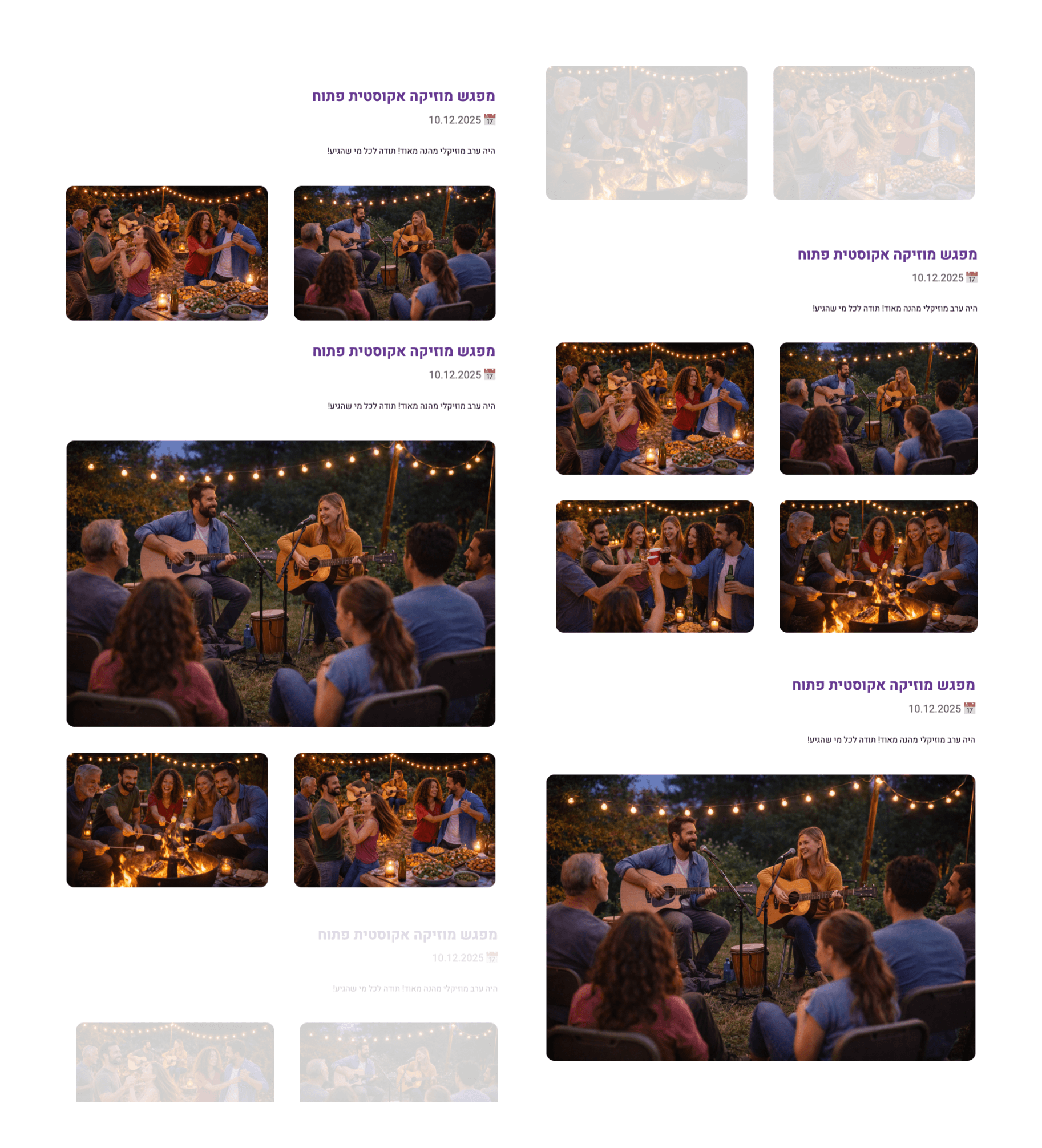
Rounded corners
Emoji icons
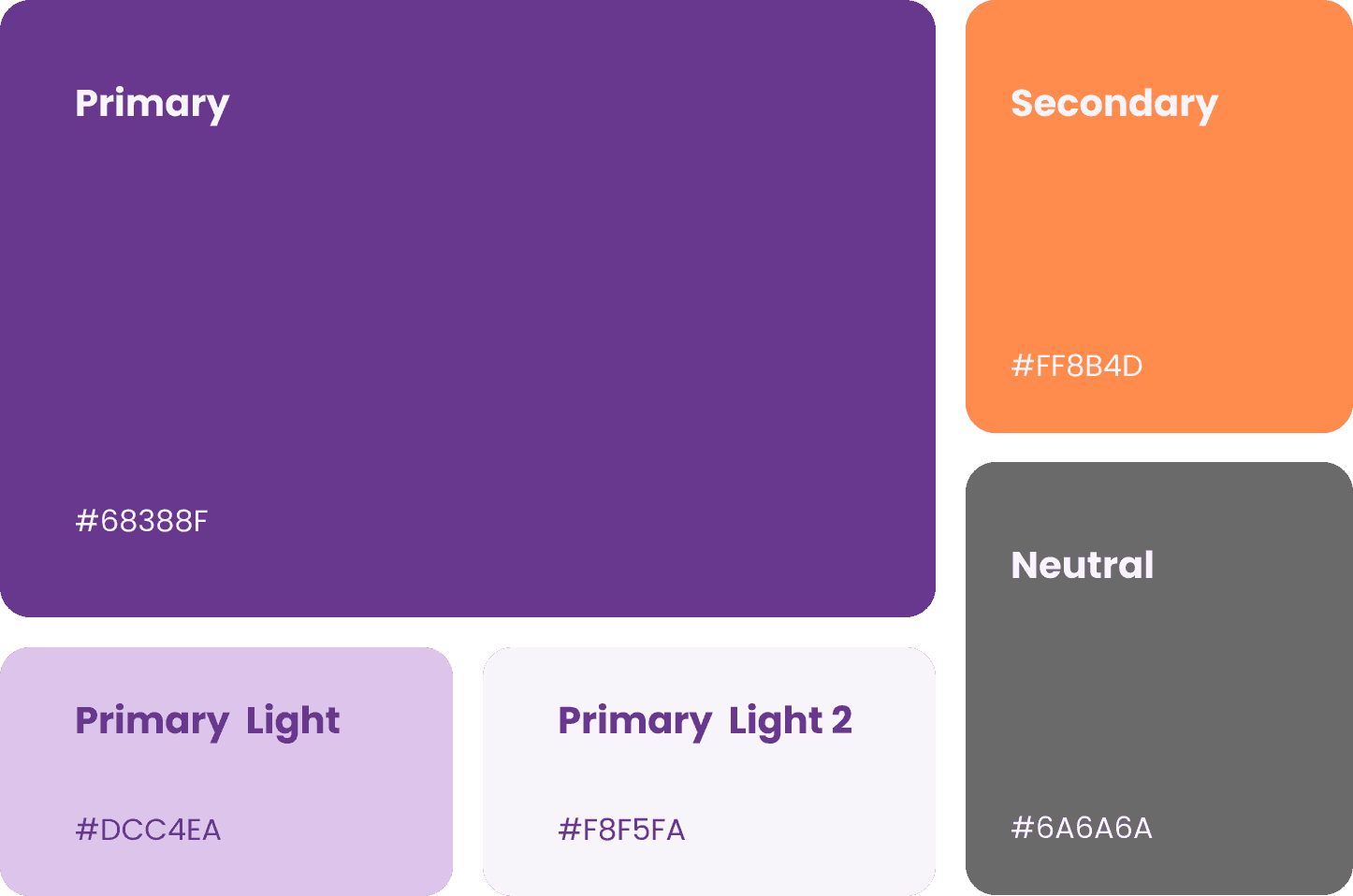
Warm color palette
Scannable
Boxed components
Consistent structure
Accessible
Large text
High contrast
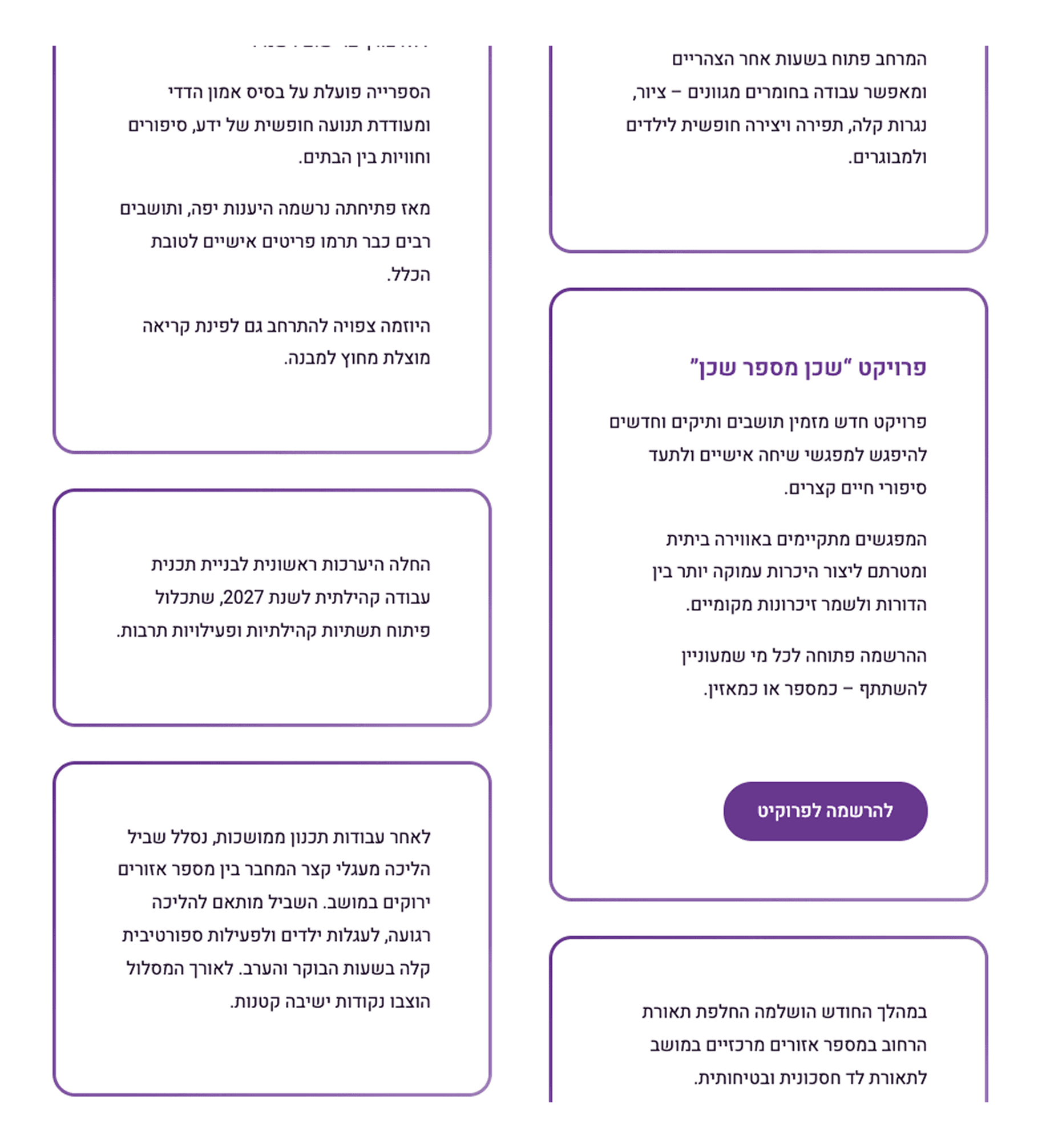
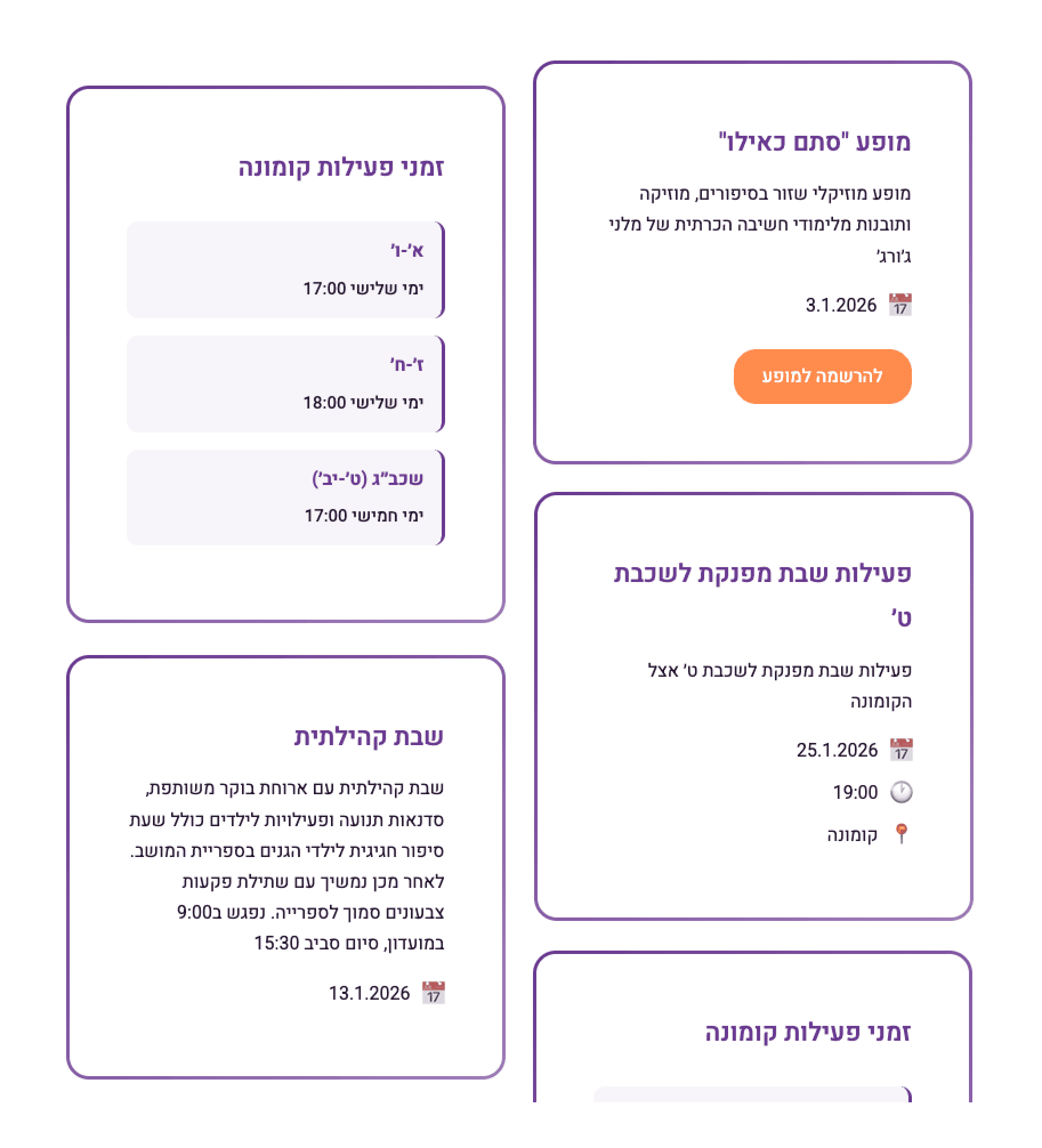
- Component System
04 - Implementation
Building the Automation Engine
- Tech Stack
Data entry: Google Sheets
Automation: Google Apps Script
Template: HTML/CSS
Image hosting: Google Drive
Export: "Awesome" screenshot extention
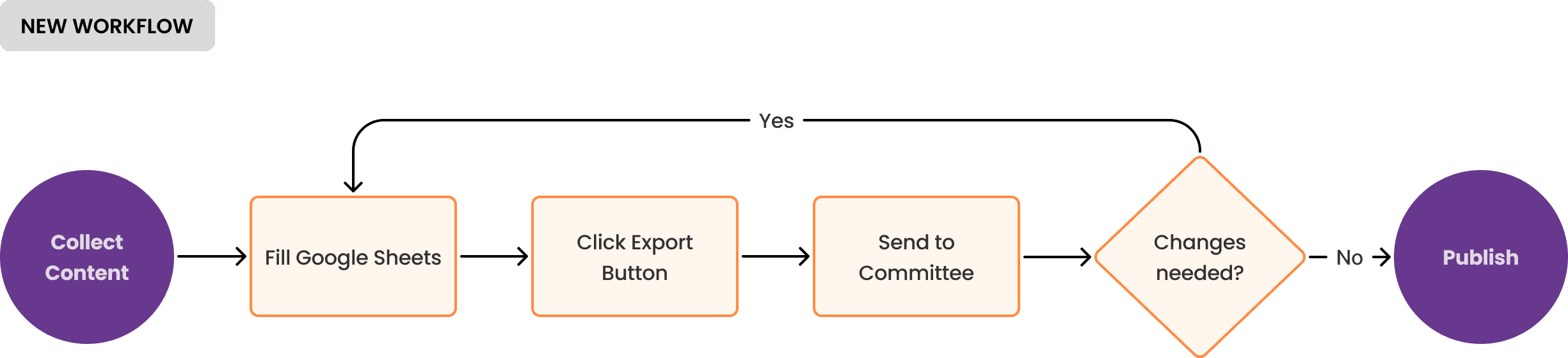
- Development Process with Claude AI
05 - Results & Impact
Measurable Success
Quantitative
2-8 hours → 5 minutes
Per newsletter issue
₪0 cost
100% free tools

1 issue published
Ongoing monthly cadence
Quantitative

Full autonomy
Coordinator fully independent

Workflow improved
Incremental vs. last-minute

Consistent brand
rofessional, on-brand
06 - Learnings
What This Project Taught Me
Technical
Apps Script capabilities & limits
Writing effective AI prompts
When to research vs. rely on AI
UX
Design for non-designers
Constraint-driven solutions
Automation UX principles
Error prevention > recovery
Process
AI collaboration strategies
Code changes faster than Canva
"Good enough + shipped" wins
Detailed specs = better outputs